



Help
The Help page allows you to reach out to us with any feedback or support requests.
Viewing the Help page
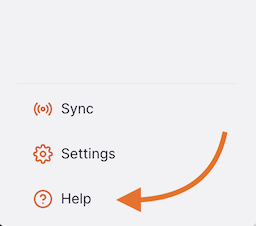
To view the Help page, go to Help in the lower section of the navigation panel:
This will take you to the Help page:
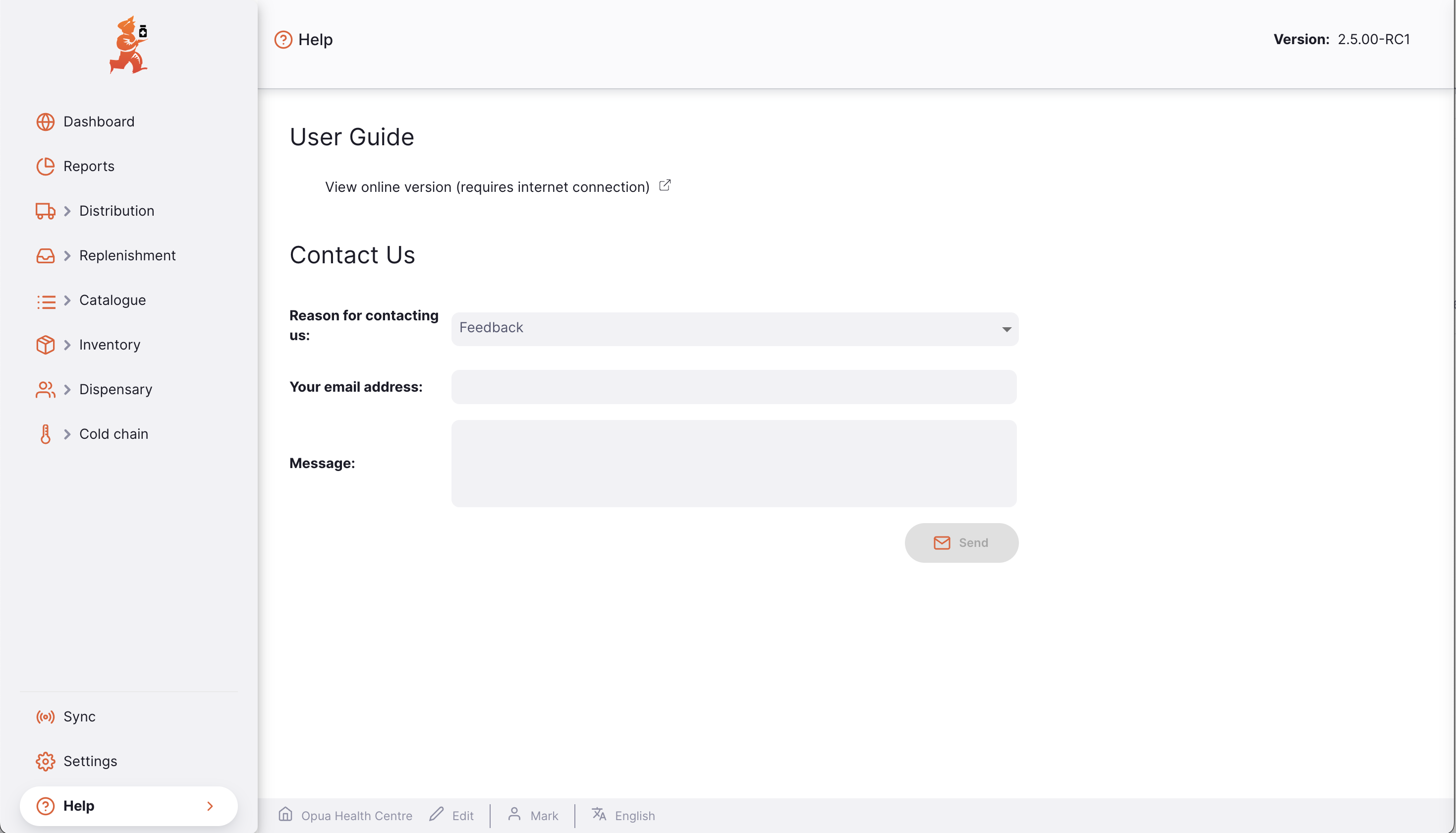
User Guide
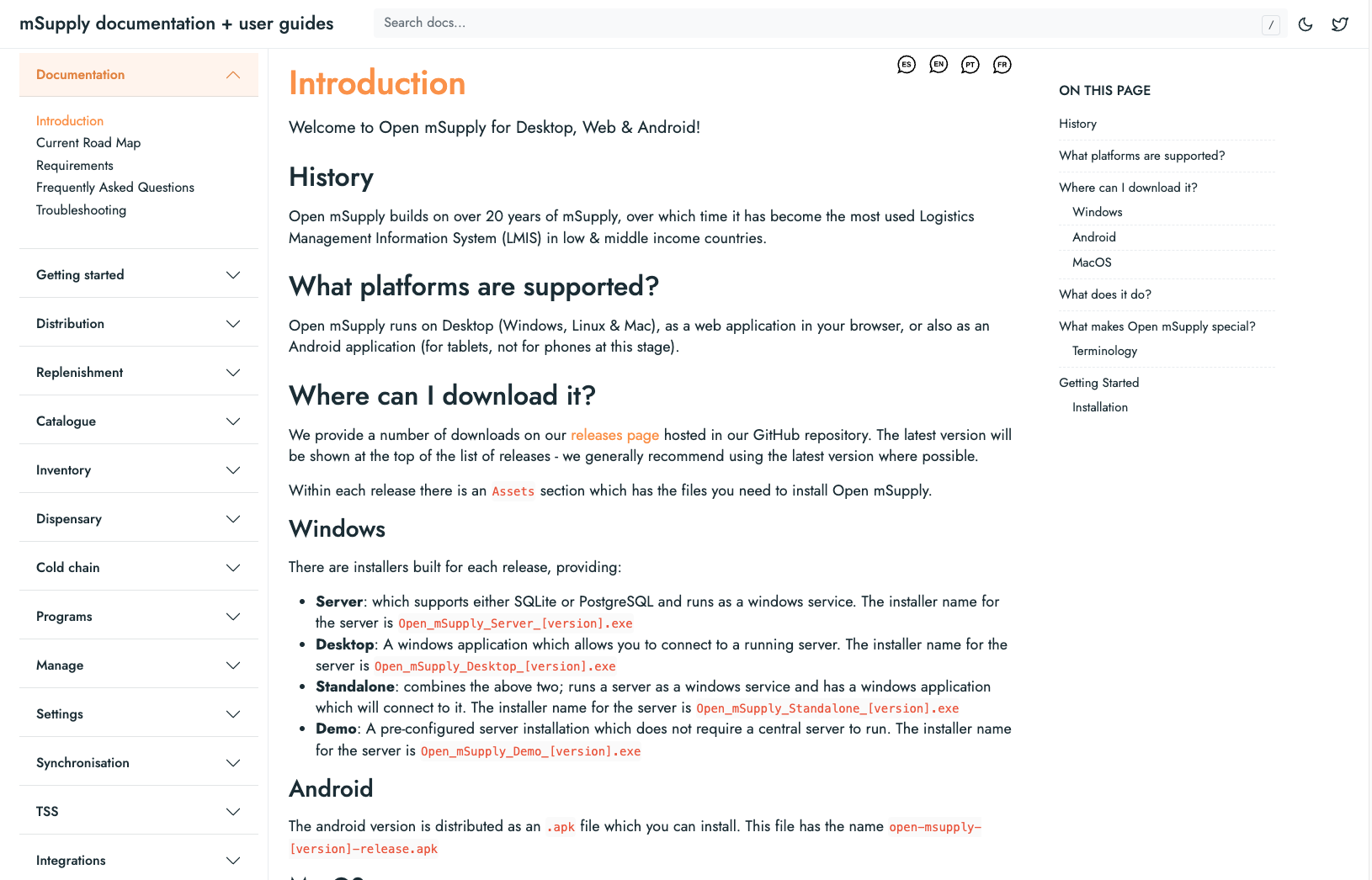
To view our documentation, click on View Online Version:

This will take you to the mSupply documentation and user guides page:
Contact Us
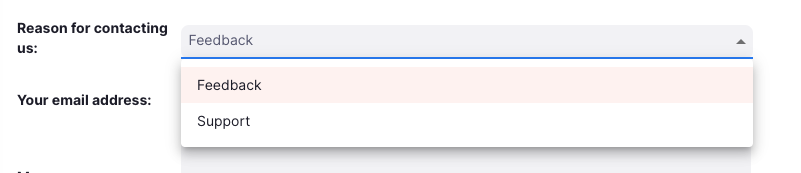
Let us know why you are getting in touch by clicking the dropdown:
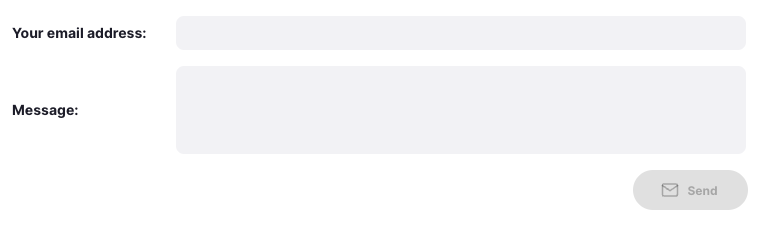
Fill out the rest of the form accordingly:
After filling out the form, click send when satisfied with your message:
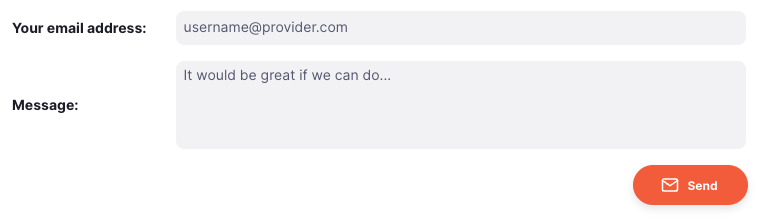
The mSupply Support team will receive your message, and be in touch soon to respond to support requests.